Always-on-top notes at the edge of your screen
A notes window that always stays on top quickly covers your work. That is why JP Note docks at the left or right edge. It slides out with a key or the mouse and folds away again afterwards.
- ✓ Free
- ✓ No account
- ✓ Windows · Mac · Linux
- ✓ Pro €9.99 once
In short
- A dock on the left or right edge, always on top
- Alt+N shows and hides it while you keep working
- Drag notes onto the desktop as sticky notes
JP Note fits you if
- you work on a PC and want to jot things down fast
- switching windows breaks your flow
- you work with several monitors
Loose notes turn into one list
This is what many desktops look like. Press the button and watch JP Note turn it into one list with dates.
How the dock works
0 of 5 ticked off- One keyAlt+N shows and hides the dock (customizable).
- Auto hideIt folds away by itself after a time you choose.
- Left or rightOn the monitor of your choice, also with multiple screens.
- Above all windowsIncluding Explorer, browser and Office.
- Full screen stays full screenDuring presentations and videos the dock stays back.
Type a task the way you would say it
JP Note picks up the date, time and repeat and shows them before saving. Try one of the examples or type your own.
Simplified preview. The app understands more, for example “by 31 Oct” or “every 2 weeks”.
What is inside the dock
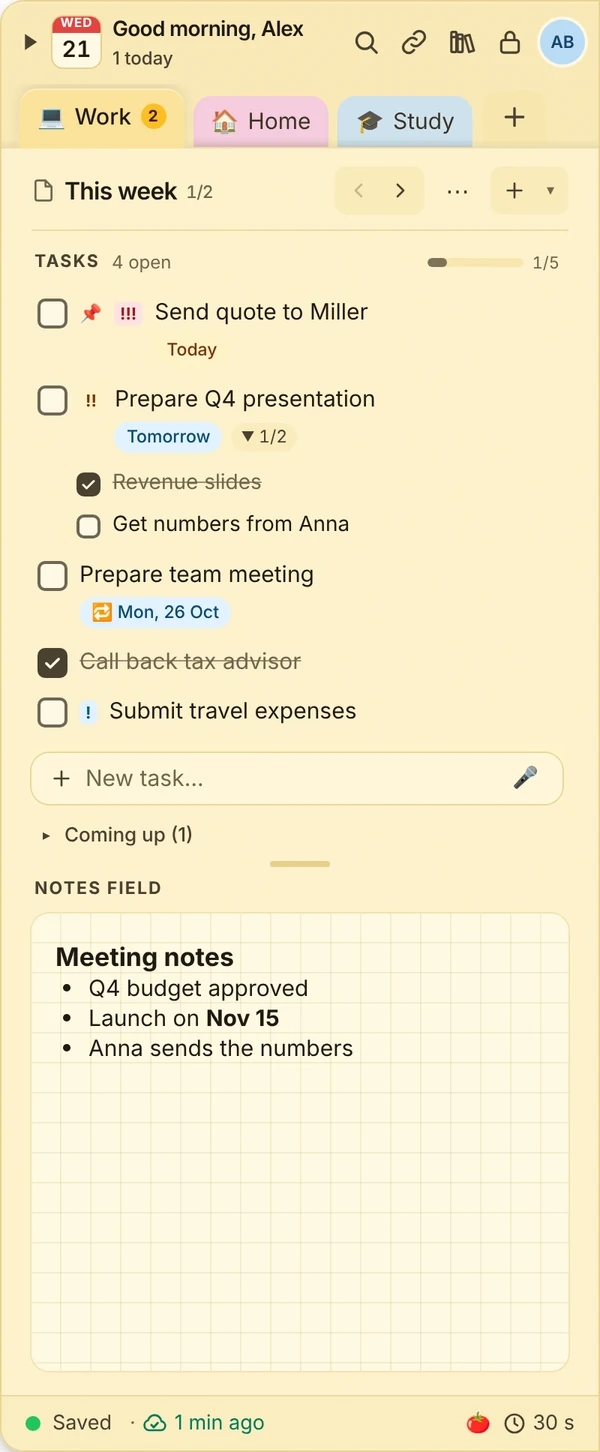
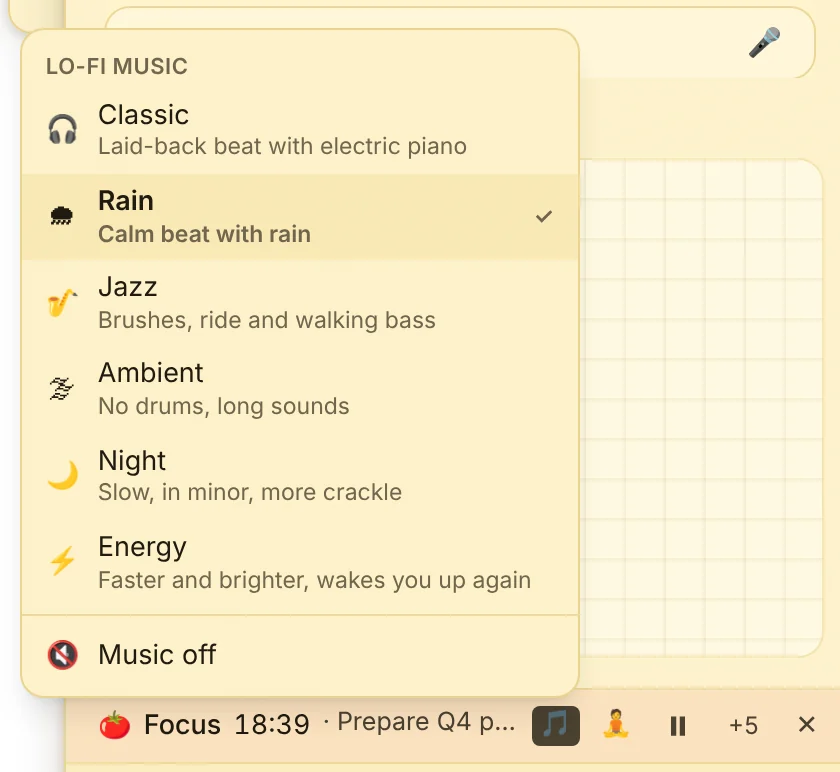
The to-do list with due dates and reminders on top, notes with formatting, images and tables below. Separate notes keep areas apart, a week agenda shows what is coming. The focus timer with lo-fi music helps you concentrate (Pro).
What this looks like day to day
- Dock on the right monitor, tasks in view
- Phone number copied from quick access
- Note placed next to the spreadsheet
- Focus timer with lo-fi music for the last hour

Frequently asked questions
Can I use the dock on a second monitor?
Yes. Choose monitor and side in the settings. If you move the dock with Win+Shift+Arrow, it docks on the new monitor.
Does the dock get in the way of full-screen videos?
No. In full screen it hides and only appears when you open it on purpose.
Is it available for Mac too?
Yes, JP Note also runs on macOS, Linux and ChromeOS.