To-do app for the office and home office
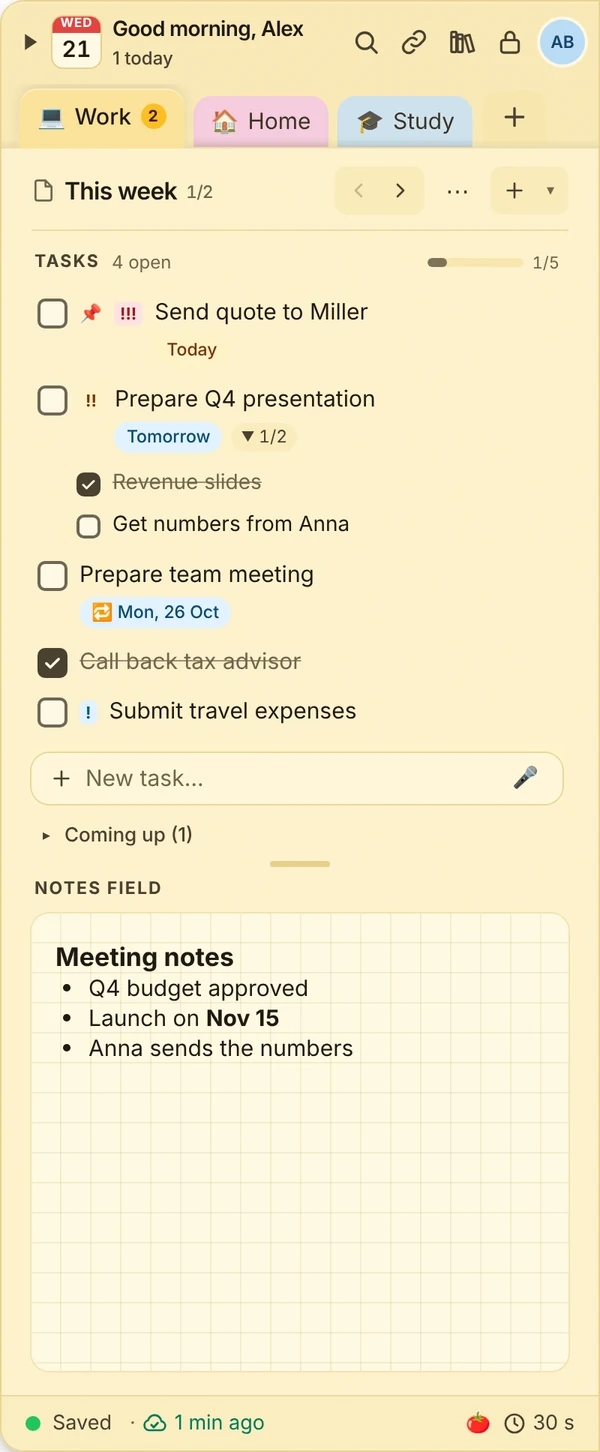
At work new tasks come up all the time, like a callback or a quote due Friday. JP Note sits at the edge of your screen and captures them in seconds, without switching programs.
- ✓ Free
- ✓ No account
- ✓ Windows · Mac · Linux
- ✓ Pro €9.99 once
In short
- Callbacks and tasks captured in seconds, from any program
- Dates added to Outlook, Apple or Google Calendar in one click
- One note per project or client
JP Note fits you if
- lots of small tasks come in during the day
- you often copy phone numbers and IBANs
- you do not want to forget anything between meetings
Loose notes turn into one list
This is what many desktops look like. Press the button and watch JP Note turn it into one list with dates.
Capture tasks quickly
0 of 4 ticked off- Quick capture with Alt+Shift+NSmall window, type the task, Enter.
- Dates in words“Call back Miller tomorrow 10am !!” becomes a task with time and priority.
- Reminders on your PCAnd with Pro as push on your phone.
- Repeating (Pro)Weekly report every Friday, invoices at the end of the month.
Type a task the way you would say it
JP Note picks up the date, time and repeat and shows them before saving. Try one of the examples or type your own.
Simplified preview. The app understands more, for example “by 31 Oct” or “every 2 weeks”.
Order for projects and clients
0 of 4 ticked off- NotesFor projects, clients or areas.
- PagesPer week, meeting or case.
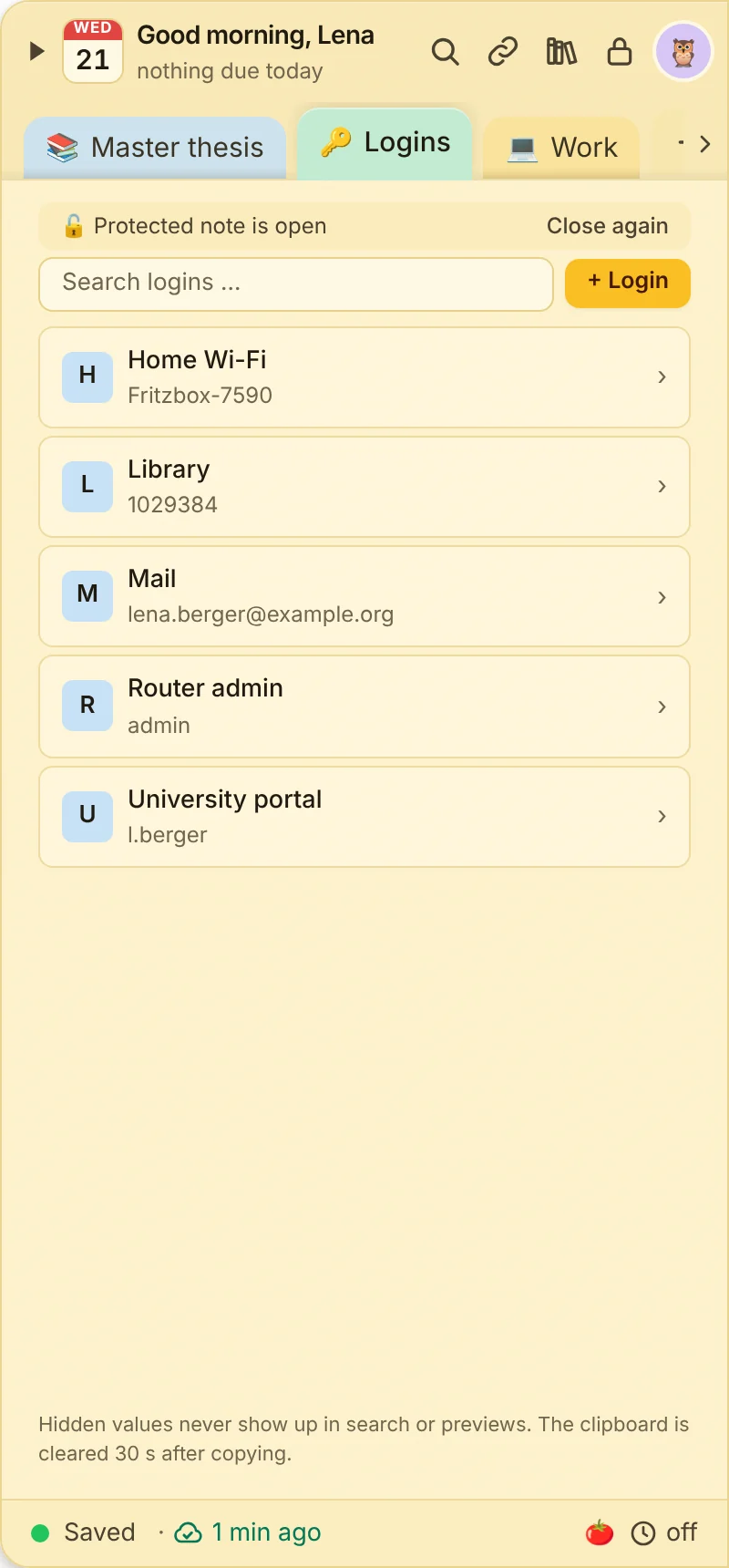
- Quick accessFor links, phone numbers and IBANs, copied with one click.
- Encrypted notesClient details stay with you.
What this looks like day to day
- Callback from the inbox captured with Alt+Shift+N
- IBAN copied from quick access
- Client meeting added to the Outlook calendar
- Tomorrow is in the week agenda

Frequently asked questions
Can I install JP Note on my work PC?
JP Note installs for your user without admin rights. Whether you may install software is up to your employer.
Does JP Note work with Outlook?
Dates can be added to Outlook with one click. Tasks from Microsoft To Do or Outlook can be imported as CSV.
Can I share tasks with colleagues?
A single note can be shared with a second person (beta). JP Note is mainly made for organizing yourself.