
Settings
Set everything up without searching
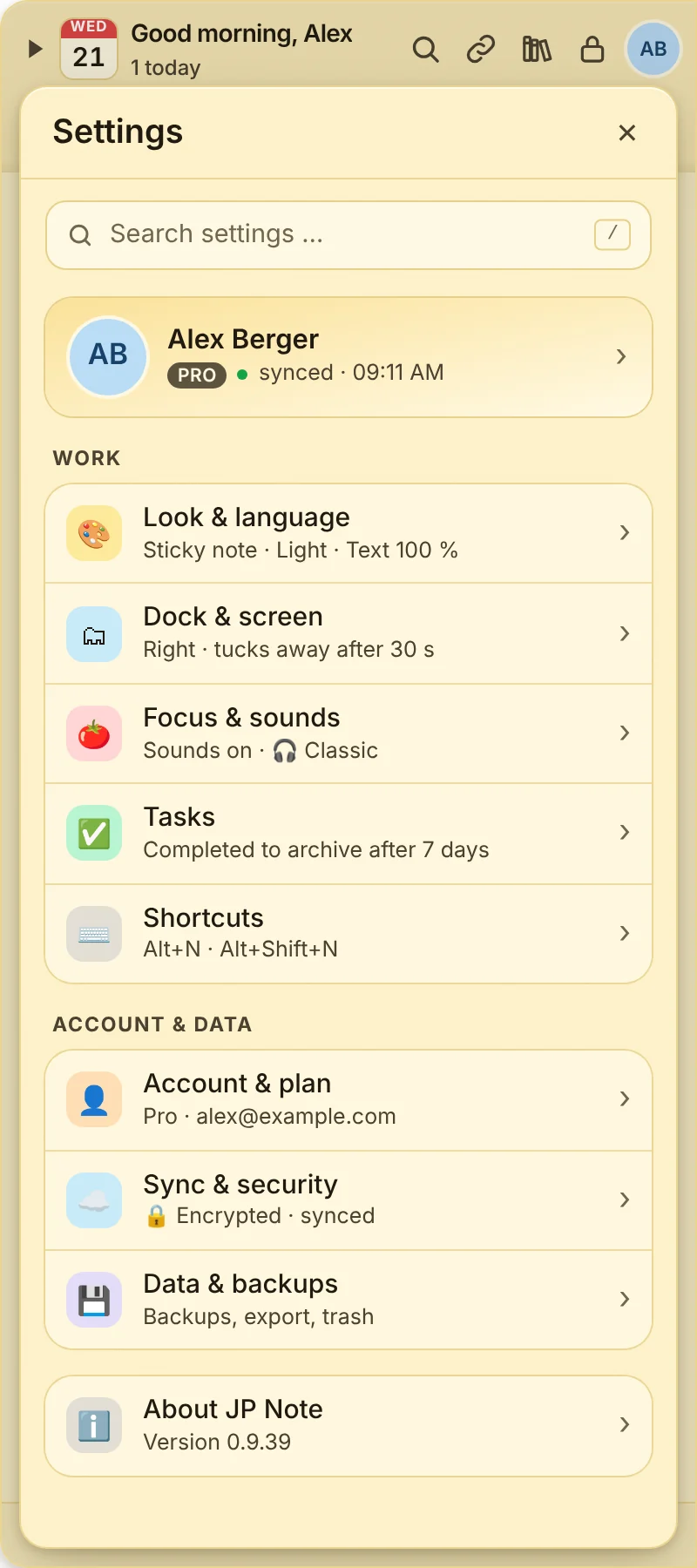
Nine sections, each showing its current state right on the start page. Every setting comes with one sentence of explanation and saves instantly.
- /or Ctrl+F finds any setting, also with words like “dark” or “password”
- ✓No save button: changes apply instantly
- Escgoes back one level
On PC and Mac
The nine sections
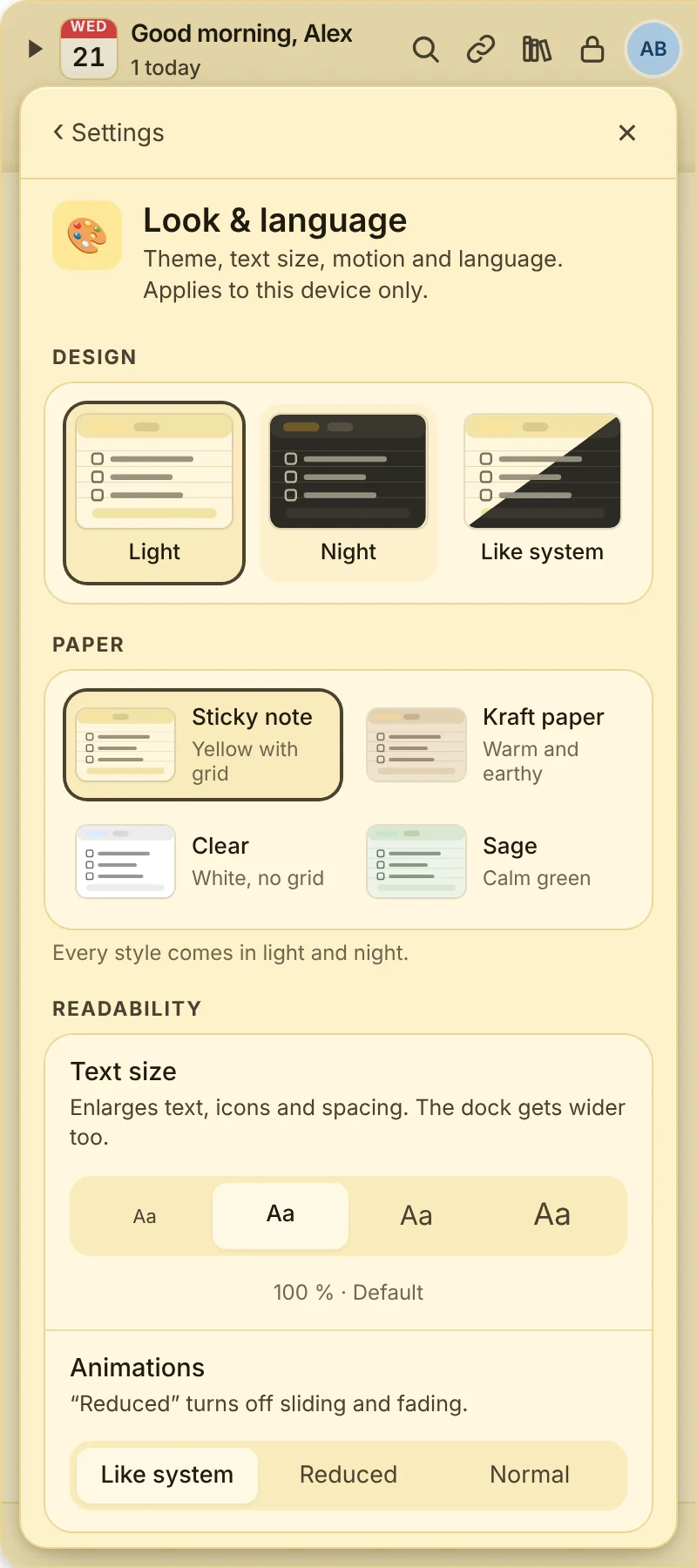
Look & language
- Light, night or like the system (night and system with Pro)
- Paper styles: sticky note, kraft paper, clear, sage Pro
- Text size in four steps, reduce animations
- German or English, detailed or short hints
Dock & screen
- Dock on the left or right, on which screen
- Collapse after a few seconds or never
- Start with your computer
- Also show above full-screen apps
Focus & sounds
- Lo-fi music in six styles, also for breaks Pro
- Separate volume for music and sounds
- A soft sound when ticking off and for reminders, or off
Tasks
- Move done tasks to the archive after a few days Pro
- Recurring tasks wait under “Coming up” until their next date
Shortcuts
- Alt+N shows and hides the dock
- Alt+Shift+N for quick capture
- Your own shortcuts for notes, pages and windows
Account & plan
- Profile picture: symbol with color or your own photo
- Activate a license, view and replace devices
- Allow or block invitations to shared notes
Sync & security
- Password protection with end-to-end encryption
- Unlock faster with a PIN, Windows Hello or Touch ID
- Protect single notes on top
Data & backups
- Automatic backups and restore
- Export as Markdown or file
- Trash for deleted items
About & support
- Updates with one click
- Bug report as a ZIP, without note contents
- Watch the short tour again at any time
- Open help, ideas and this page right from the app
Phone app
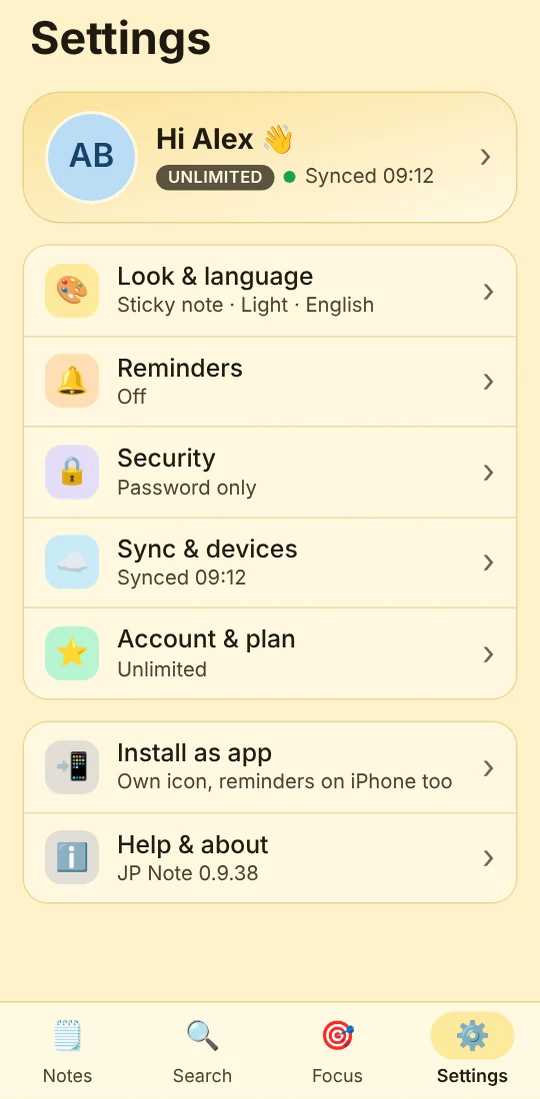
The same order on your phone
At the top your profile with plan and sync status, below the sections: look with paper styles, reminders, security with a PIN or Face ID, sync and devices, account and plan.
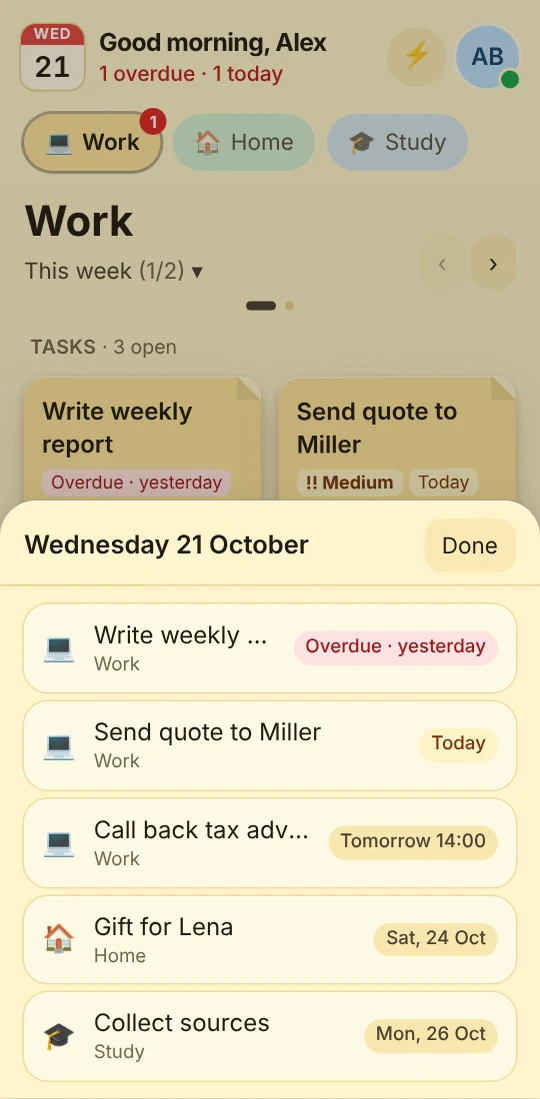
Also new on the phone: a short tour that only asks at the end whether reminders may arrive as notifications.
Missing a setting?
Tell us what you would like to set. Many options came from requests.
💡 Request a setting