The Evernote alternative without a subscription
Evernote is a comprehensive notes app whose full features come with a subscription. JP Note is leaner and has no running costs. The free version stays free, Pro is a one-time €9.99.
- ✓ Free
- ✓ No account
- ✓ Windows · Mac · Linux
- ✓ Pro €9.99 once
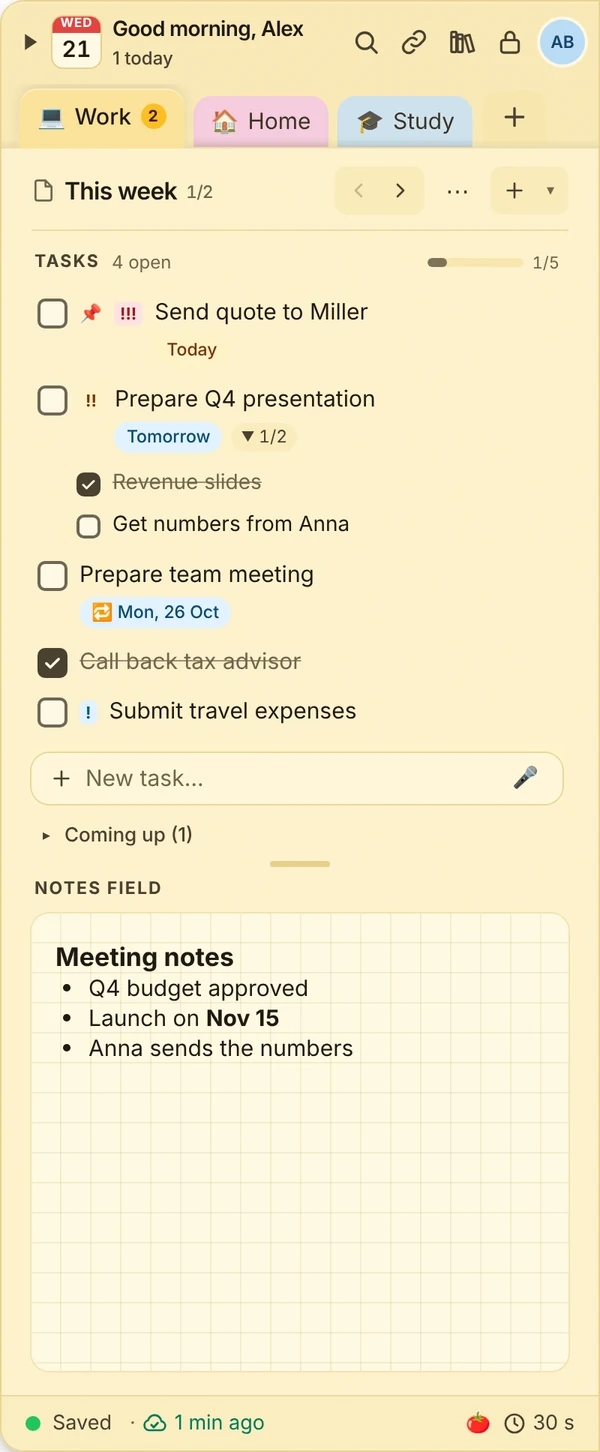
In short
- Pay €9.99 once for Pro instead of ongoing costs
- End-to-end encrypted, including sync
- Works offline and syncs later
JP Note fits you if
- you do not want another subscription
- encryption matters to you
- you want tasks and notes in one place
Loose notes turn into one list
This is what many desktops look like. Press the button and watch JP Note turn it into one list with dates.
One-time purchase instead of a subscription
At JP Note, Pro is a one-time purchase, no subscription. The free version stays free forever. Pro unlocks everything for a one-time €9.99: sync on up to 3 devices, phone app with push reminders, images and attachments, repeating tasks and more.
Before buying you can try Pro for 7 days, no payment details needed.
Type a task the way you would say it
JP Note picks up the date, time and repeat and shows them before saving. Try one of the examples or type your own.
Simplified preview. The app understands more, for example “by 31 Oct” or “every 2 weeks”.
Features at a glance
0 of 5 ticked off- Notes and tasks togetherThe to-do list on top, notes below.
- End-to-end encryptedOnly you can read your notes, not even the sync server.
- Quick captureAlt+Shift+N opens a small window for a quick thought.
- Search everythingAll notes, optionally the archive too.
- Export any timeYour data belongs to you.
What this looks like day to day
- Wrote project notes offline on the train
- At the office everything is already on the PC
- Added a photo of the whiteboard to the note
- Created a task for tomorrow with a reminder

Frequently asked questions
Can I import my Evernote notes?
A direct Evernote import is not available yet. You can copy and paste single notes. JP Note imports directly from Google Keep, Todoist, Microsoft To Do, Outlook and Markdown.
Is JP Note really subscription-free?
Yes. Pro is a one-time purchase of €9.99 with no recurring fees.
How secure are my notes?
Notes are end-to-end encrypted with your password (AES-256). The server only stores encrypted data and cannot read it.
Is there a phone app?
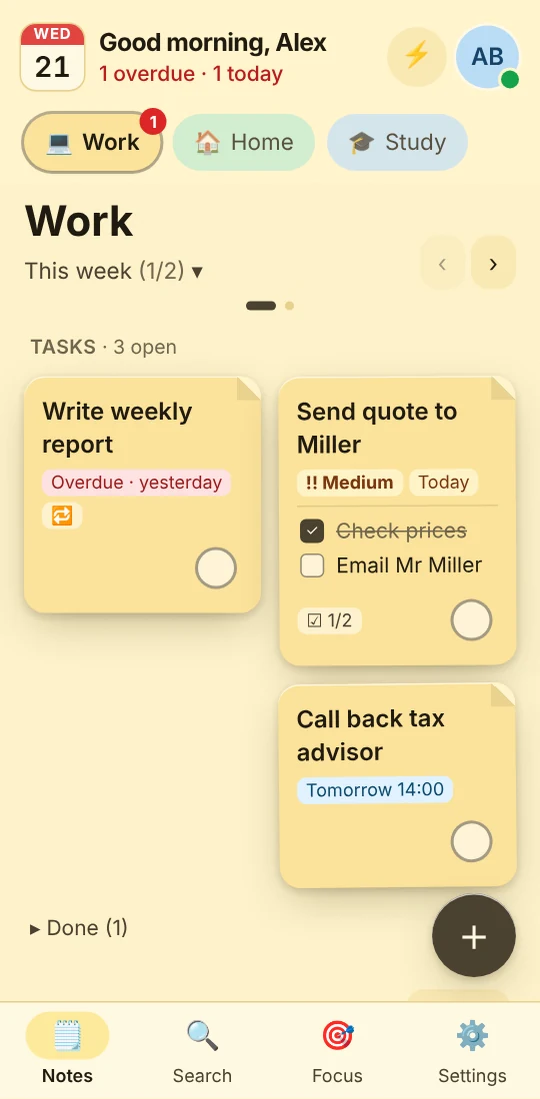
Yes, with Pro for Android and iPhone, with push reminders.
Related
Evernote: trademarks of their respective owners. JP Note is not affiliated with them. Information about other apps to the best of our knowledge, as of October 2026.