Notes app with end-to-end encryption
Notes often contain logins, health topics or client details. JP Note encrypts everything with your password before it leaves your device. The sync server only stores encrypted data.
- ✓ Free
- ✓ No account
- ✓ Windows · Mac · Linux
- ✓ Pro €9.99 once
In short
- Encrypted with your password before anything leaves your device
- The server only sees unreadable data
- Lock single notes with a PIN or fingerprint as well
JP Note fits you if
- you write down private or work matters
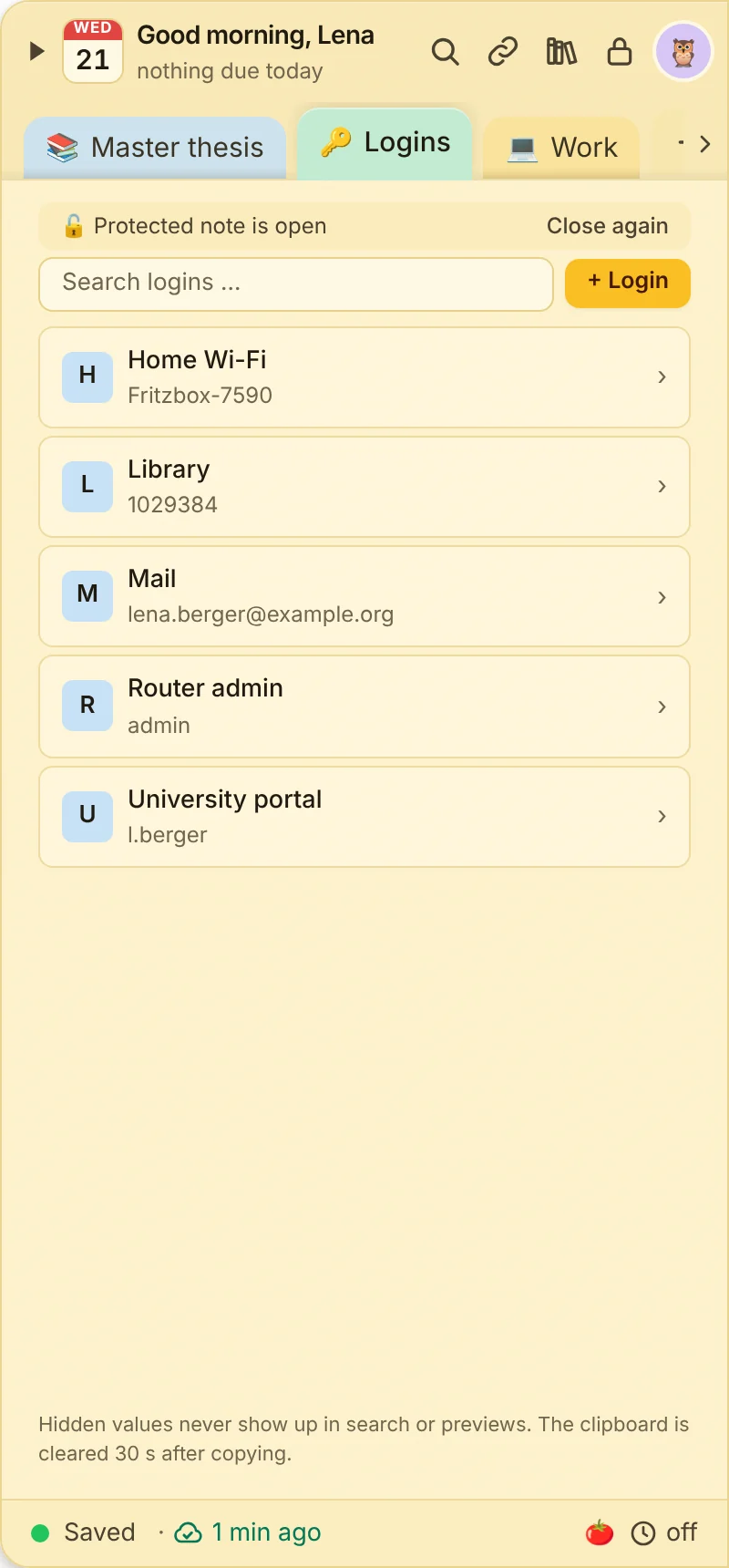
- you want to keep logins like Wi-Fi or router
- you want to stay in control of your data
Loose notes turn into one list
This is what many desktops look like. Press the button and watch JP Note turn it into one list with dates.
How the encryption works
A key is derived from your password on your device. Notes, tasks and attachments are encrypted with it using AES-256-GCM. Only then do they go to the cloud mailbox, which passes them on to your other devices.
The mailbox itself has no key. Even someone with access to the server could not read your notes.
Type a task the way you would say it
JP Note picks up the date, time and repeat and shows them before saving. Try one of the examples or type your own.
Simplified preview. The app understands more, for example “by 31 Oct” or “every 2 weeks”.
Security in everyday use
0 of 5 ticked off- Quick unlockWith PIN, Windows Hello, Touch ID, Face ID or fingerprint.
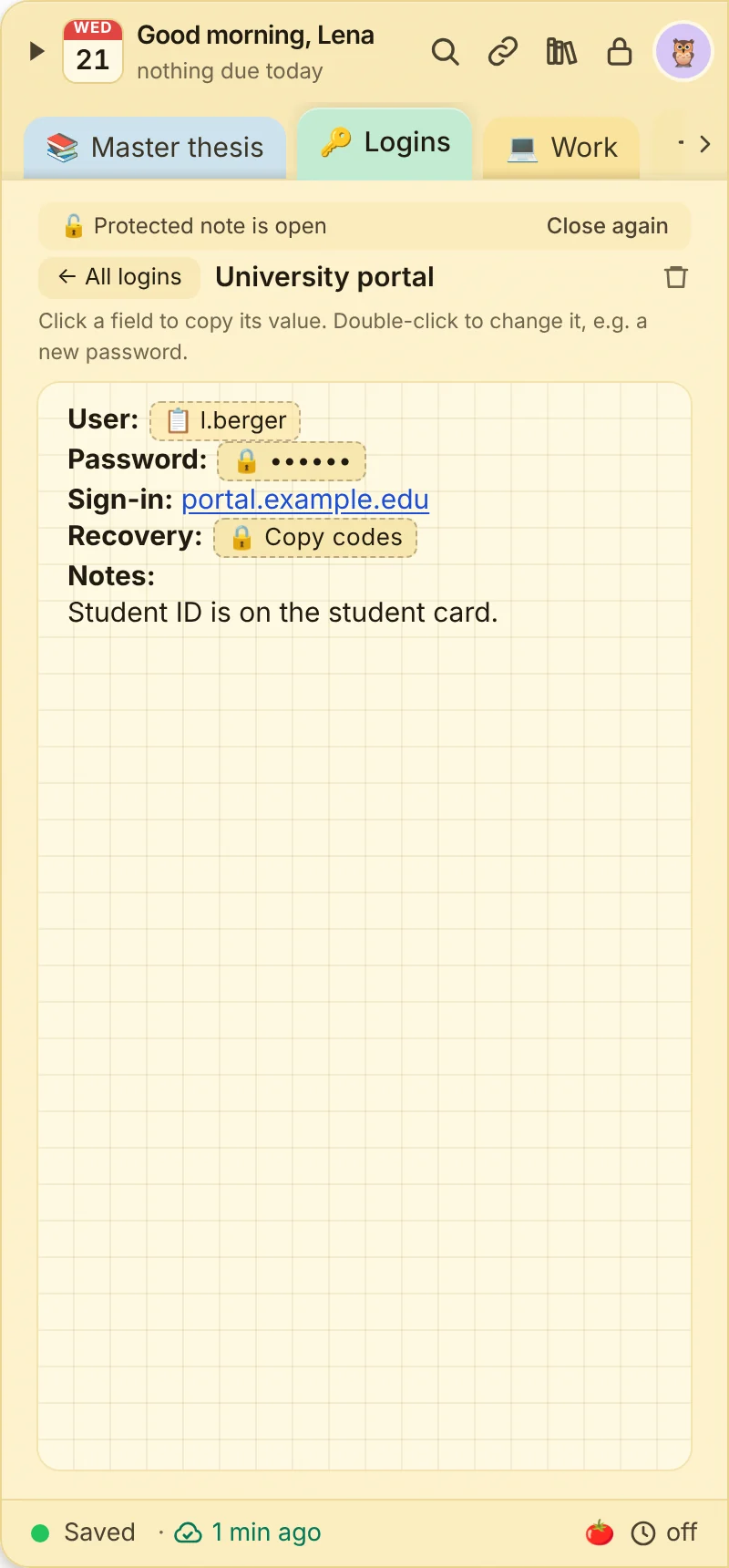
- Protected notesAdd an extra lock to single notes, for example for passwords.
- Copy fieldsPasswords stay hidden and can be copied with one click.
- Auto lockThe phone app locks itself after a time you choose.
- Your dataExport any time, daily backups on your device.
What this looks like day to day
- Protected note opened with Windows Hello
- Guest Wi-Fi password copied in one click
- Clipboard clears itself after 30 seconds
- Unlocked on the phone with Face ID

Frequently asked questions
Which encryption does JP Note use?
AES-256-GCM with a key derived from your password. Encryption happens on your device.
Can JP Note read my notes?
No. The server only holds encrypted data, the key never leaves your devices.
What if I forget my password?
With the recovery key you note down during setup, you can set a new password. Without password and key nobody can access the data, not even support.
Is the phone app encrypted too?
Yes. The phone app decrypts only on the phone, push reminders are transmitted encrypted as well.