The to-do app for shift work, nursing and emergency services
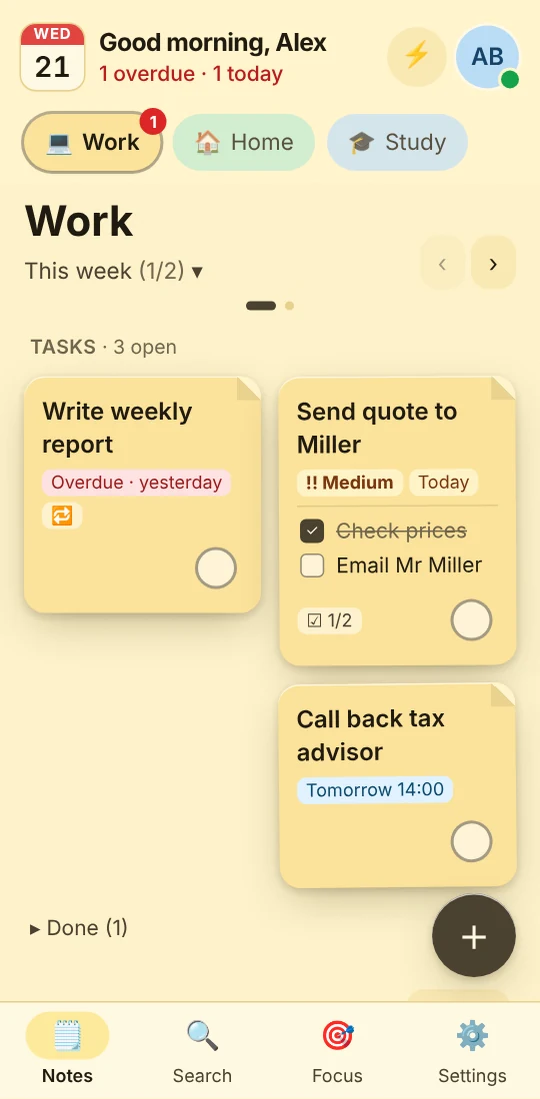
Shift work days look different from office days. JP Note reminds you at any time you set and keeps your own notes encrypted on your PC and phone.
- ✓ Free
- ✓ No account
- ✓ Windows · Mac · Linux
- ✓ Pro €9.99 once
In short
- Reminders at any time, even at night
- Repeats that fit your rota
- Phone app with push, even when the app is closed
JP Note fits you if
- you work shifts
- you plan private dates around your rota
- you just want to check something quickly on your phone
Loose notes turn into one list
This is what many desktops look like. Press the button and watch JP Note turn it into one list with dates.
Reminders for shift work
0 of 4 ticked off- Any time you likeEven 5:30am before the early shift or 9:45pm on nights.
- Repeating (Pro)Every N days, on chosen weekdays or every 2 weeks.
- Push to your phone (Pro)Reminders arrive even when the PC is off.
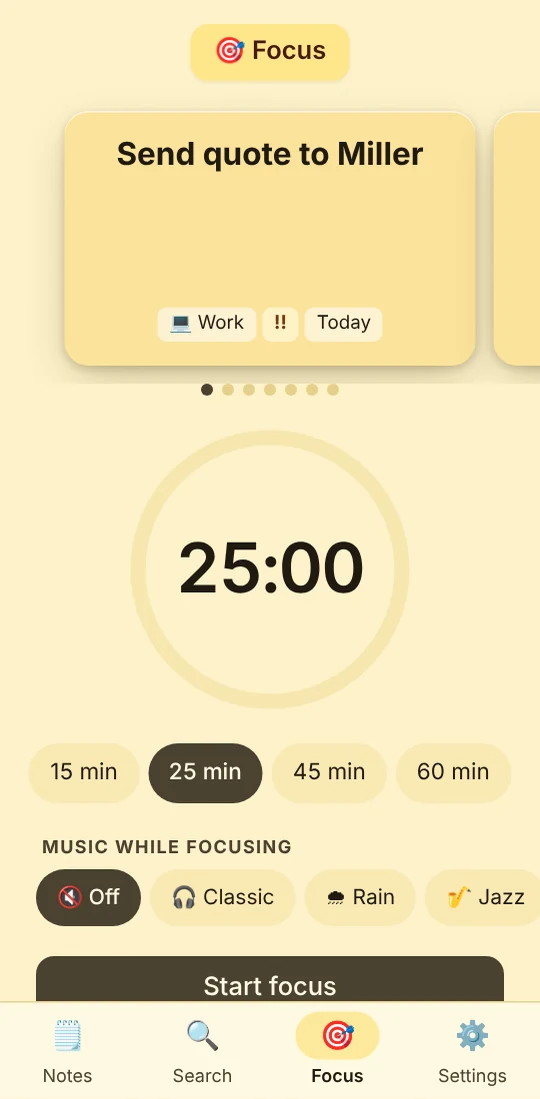
- Focus timer with breaksFor study sessions between shifts.
Type a task the way you would say it
JP Note picks up the date, time and repeat and shows them before saving. Try one of the examples or type your own.
Simplified preview. The app understands more, for example “by 31 Oct” or “every 2 weeks”.
For organizing yourself
Training courses, mandatory briefings, exam dates, supplies to reorder: JP Note helps you keep track of your own tasks. Thanks to end-to-end encryption nobody but you can read your notes.
What this looks like day to day
- Push on the phone: shift starts at 6
- Checked my own handover note
- Noted a GP appointment for the week off
- Reminder for the early shift tomorrow

Frequently asked questions
Can I use JP Note on the ward computer?
Technically yes, JP Note runs without admin rights. Whether private software is allowed on work computers is up to your organization.
Do reminders also come at night?
Yes, at any time you set. With Pro also as push notifications on your phone.
Does the phone app work without signal?
Yes. Notes and tasks are stored on the phone and sync as soon as there is a connection again.