Google Keep for Windows as a desktop app
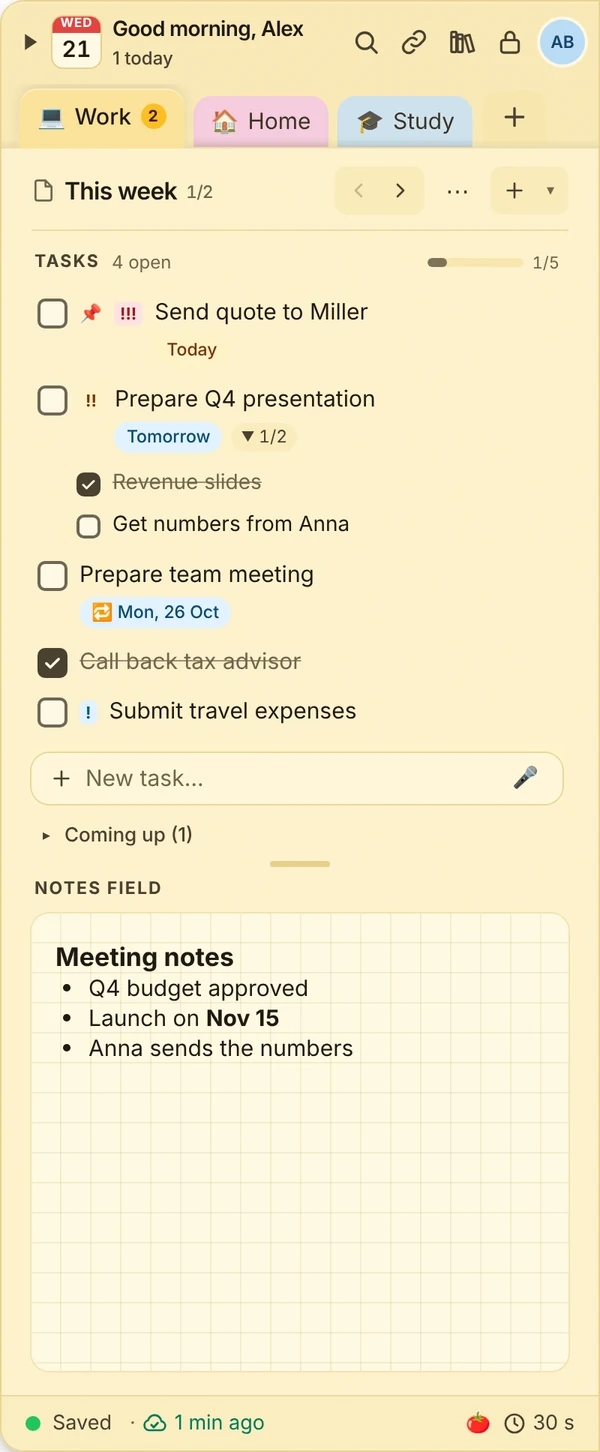
Google Keep is popular on phones, on the PC it runs in the browser. If you want your notes on your computer as an app with a keyboard shortcut, you can move to JP Note and simply take your Keep notes with you.
- ✓ Free
- ✓ No account
- ✓ Windows · Mac · Linux
- ✓ Pro €9.99 once
In short
- A real Windows program, not a browser tab
- Bring your notes over from Google Keep (Takeout)
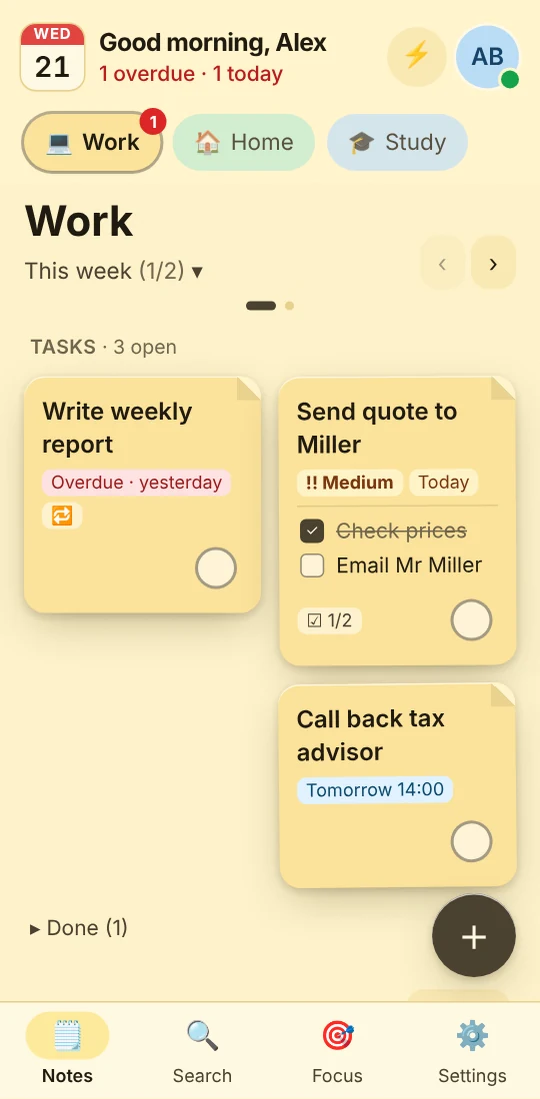
- Phone app from the browser, no app store
JP Note fits you if
- you want your notes always at hand on your PC
- you prefer shortcuts over clicks
- you want your data synced with encryption
Loose notes turn into one list
This is what many desktops look like. Press the button and watch JP Note turn it into one list with dates.
Import your notes from Google Keep
- 1At takeout.google.com select only “Keep” and download the export.
- 2In JP Note go to Settings, Data, click “Import …” and choose the ZIP file.
- 3Done: notes become pages, lists become tasks, labels are kept as tags. Trashed notes are skipped.
Type a task the way you would say it
JP Note picks up the date, time and repeat and shows them before saving. Try one of the examples or type your own.
Simplified preview. The app understands more, for example “by 31 Oct” or “every 2 weeks”.
JP Note on your PC
0 of 5 ticked off- Its own window at the edge of your screenNo browser tab to hunt for.
- ShortcutsAlt+N to show and hide, Alt+Shift+N for quick capture.
- Tasks with datesDue date, reminder, repeat and week agenda.
- End-to-end encryptedYour notes are encrypted with your own password.
- OfflineEverything works without internet too.
What this looks like day to day
- Alt+N, today’s list opens without a browser
- Idea captured with Alt+Shift+N from the mail app
- Ticked off the lunch list on the phone
- Old Keep notes are all there since the move

Frequently asked questions
Is Google Keep available as a Windows app?
Google offers Keep on the PC via the browser. If you want an installed app, use an alternative like JP Note.
Are checklists from Keep imported?
Yes. Lists become tasks, checked items stay checked.
What happens to labels and pinned notes?
Labels are kept as #tags, pinned notes stay on top, archived ones go to the archive.
Does the import cost anything?
No, the import also works in the free version.
Related
Google Keep: trademarks of their respective owners. JP Note is not affiliated with them. Information about other apps to the best of our knowledge, as of October 2026.